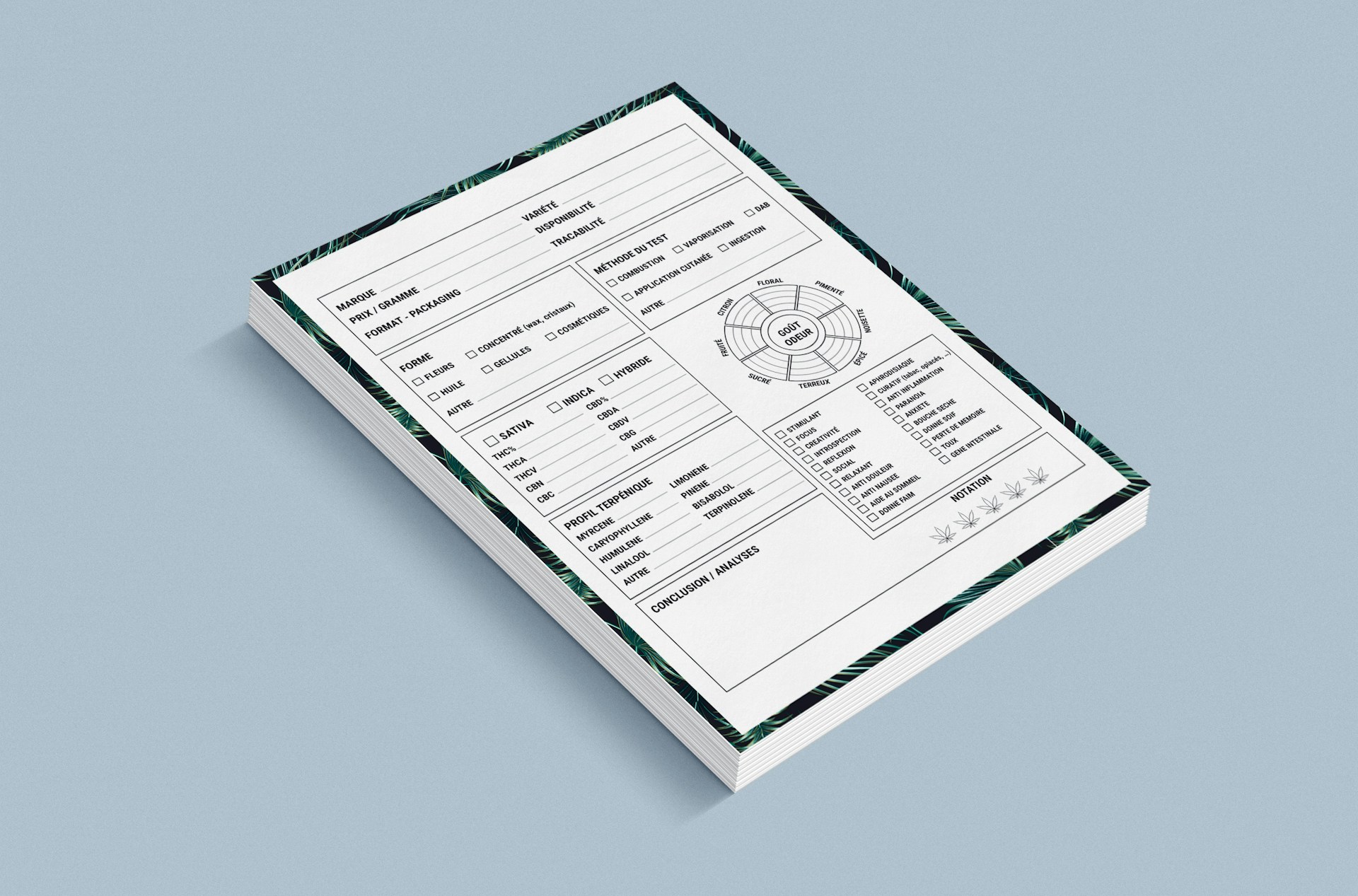
Remote work changed how people handle PDFs every day. Freelancers, agencies, educators, legal teams, and distributed companies constantly edit, review, sign, and share files across devices and cloud platforms. Contracts, onboarding forms, proposals, presentations, and branded client documents move between teams without any physical office involved. Nobody wants slow installations or device-locked software anymore. Browser-based workflows just make more sense now. Speed and accessibility matter as much as editing depth.
Not every PDF platform solves the same workflow problems. Some focus on lightweight browser editing and quick file handling. Others prioritize collaboration, structured document management, or signing workflows. Interface design, editing flow, sharing options, and flexibility often influence productivity more than long feature lists. The four tools below approach remote PDF workflows differently. Here is how they compare.
PDF Platforms Built for Faster Remote Work
Remote teams and freelancers rarely work with PDFs the same way. Some users need fast watermarking and lightweight browser editing. Others spend more time approving documents, collecting signatures, organizing files, or collaborating across distributed teams. The platforms below solve different parts of remote document workflows instead of copying the exact same editing style. Here is a quick preview:
- Watermarkly for fast browser watermarking and lightweight file handling;
- Foxit for structured editing and business-oriented document workflows;
- DocHub for browser-based collaboration and signing workflows;
- PDFelement for balanced editing, conversion, and document organization.
Each platform below fits a different type of remote workflow. It depends on how teams handle documents day to day.
1.Watermarkly
Watermarkly is a browser-based PDF tool built around speed and simplicity. You can add text or logo overlays without registration or software installation. The interface stays approachable even for people with minimal editing experience while still handling repetitive workflows efficiently. Freelancers, educators, creators, and small teams regularly sharing branded documents online will find the lightweight editing flow useful.
Batch processing matches Watermarkly most naturally. Users processing PDFs, client materials, educational files, presentations, and branded assets throughout the day get things done fast. The platform works best when you want quick browser editing without navigating large document systems or complicated onboarding steps.
The platform removes many of the small interruptions that usually slow down repetitive remote editing sessions. Key advantages include:
- Browser-based PDF watermarking with no installation;
- Support for text and logo overlays;
- Batch processing across multiple PDFs;
- Mobile support with free daily processing options;
- Additional resizing, cropping, and compression tools.
Watermarkly feels practical because it avoids unnecessary complexity. Users spend more time handling files and less time dealing with setup screens, menus, or account management.
2. Foxit
Foxit is a more structured PDF environment designed for professional and business workflows. Watermarking exists alongside collaboration, signing, document security, and advanced editing tools. The platform feels closer to a professional office suite than a lightweight browser utility. The interface prioritizes organization and productivity.
Foxit makes the most sense for companies handling approvals, recurring document processing, contracts, internal paperwork, and larger PDF libraries. Users managing high volumes of files will likely appreciate the platform’s structure and editing depth. It is built for serious document work.
The service stands out because it combines advanced editing with collaboration and document control inside one environment. Strong points include:
- Advanced PDF editing and organization tools;
- Built-in signing and collaboration workflows;
- Strong document security settings;
- Structured handling for recurring business documents;
- Support for larger remote document operations.
Foxit fits users treating PDFs as part of larger operational workflows. Occasional browser edits? Probably too heavy.
3. DocHub
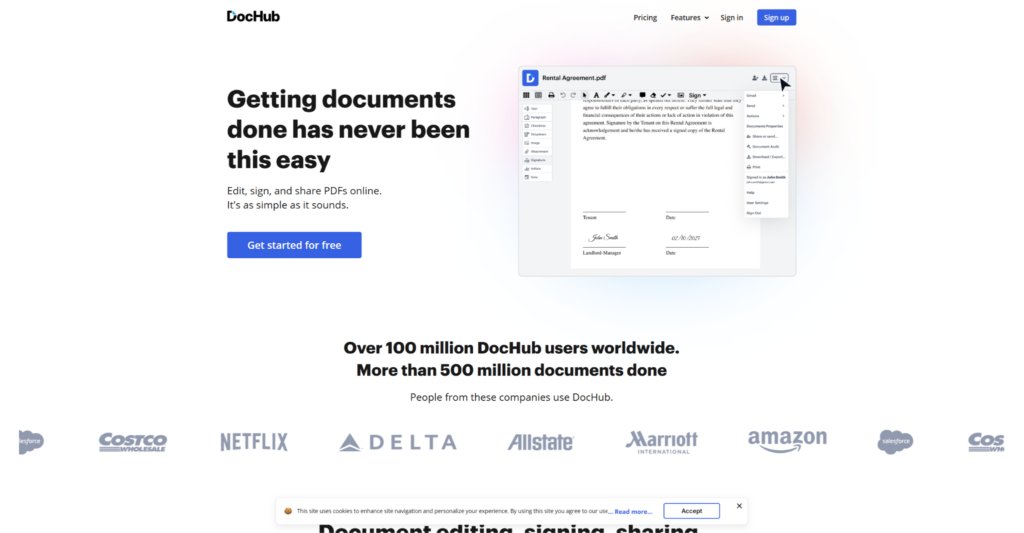
DocHub is a browser-first platform focused heavily on signing, sharing, and collaborative document handling. Watermarking exists alongside annotations, approvals, and cloud-connected workflows. The interface feels lightweight while still supporting structured remote collaboration. Accessibility and browser convenience drive the experience.
Shared contracts, approvals, editable forms, client-facing documents, and teams constantly exchanging PDFs online fit DocHub best. The platform works especially well for users prioritizing collaboration speed and cloud accessibility. Documents move fast here.
The platform becomes especially useful when document reviews and approvals happen across multiple people and devices. Key features include:
- Browser-first signing and editing tools;
- Cloud-connected document sharing;
- Annotation and approval workflows;
- Lightweight interface for remote collaboration;
- Practical handling of shared PDF files.
DocHub works best for teams focused on collaborative workflows. Deeper office-style document management systems? Not what this does.
4. PDFelement
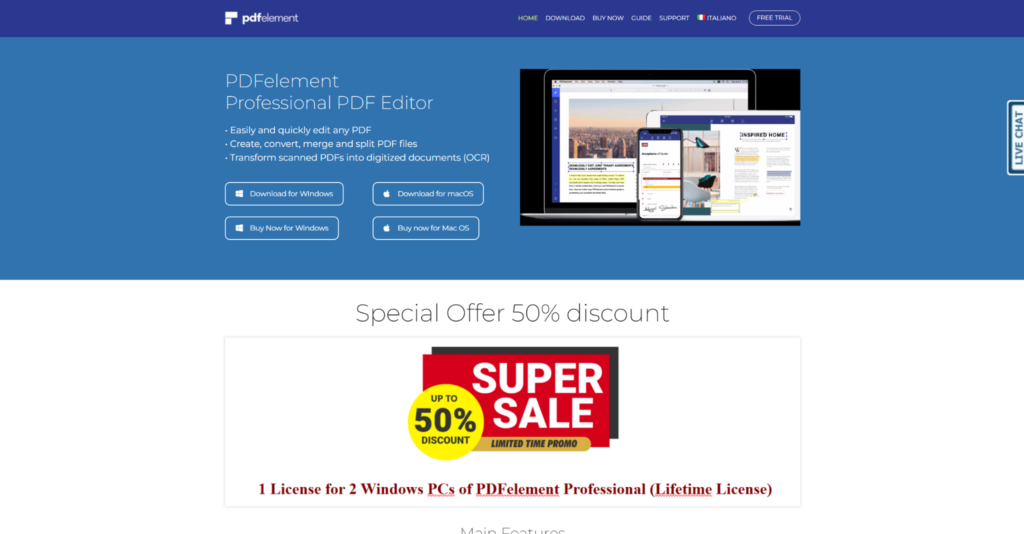
PDFelement is a balanced PDF platform combining editing, conversion, signing, and organization inside one ecosystem. The interface feels more approachable than many business-heavy PDF suites while still offering broad flexibility. The platform balances usability with deeper document handling tools. Workflow versatility is the main draw.
Freelancers, office workers, educators, and mid-sized teams regularly editing PDFs will appreciate PDFelement. People who want a manageable learning curve but broader functionality. The platform works especially well for mixed editing workflows instead of highly specialized tasks.
The platform becomes practical when you want broader editing flexibility without relying on several separate services. Advantages include:
- Editing, conversion, and signing inside one platform;
- Accessible interface with broader functionality;
- OCR and document organization tools;
- Flexible watermarking and file handling;
- Balanced workflow for mixed editing tasks.
PDFelement sits comfortably between lightweight browser tools and heavier enterprise-focused PDF systems. A solid middle ground.
Final Thoughts
Remote PDF workflows now involve much more than simple editing or file conversion. Some platforms focus on speed and lightweight browser access. Others prioritize collaboration, organization, signing, or structured document management. Workflow style matters more than raw feature count when comparing tools.
Freelancers, remote teams, educators, agencies, and businesses all approach document handling differently. Some need fast watermarking and quick edits. Others rely on approvals, signatures, or collaborative file sharing every day. Choose the platform that feels most natural inside your existing workflow. Chasing the most feature-heavy option rarely works out well.