
A sales development representative spends three hours hunting for email addresses. A marketing operations manager juggles spreadsheets of potential clients. A RevOps leader watches the pipeline stall because manual prospecting moves too slowly.
Automated lead generation changes the game. Public directories, business listings, and professional profiles contain millions of contacts. The challenge is extracting those contacts cleanly and pushing them into CRM workflows without engineering overhead.
Moving from Manual Prospecting to Automated Pipelines
Manual prospecting follows a slow rhythm. Search for a company. Find the contact page. Copy the email. Paste into a spreadsheet. Repeat thousands of times.
Automation changes the rhythm. A single API call pulls every email from a company’s website. Another call extracts all profiles from a directory. The data flows directly into Salesforce, HubSpot, or a custom database. The three pillars of automated lead generation:
- Volume – Scrape hundreds or thousands of target URLs in one batch.
- Accuracy – Extract real email addresses, not contact forms or support aliases.
- Speed – Deliver clean data to sales teams while the lead is still warm.
A good API handles all three. It removes the need for custom parsers, proxy management, and manual data cleaning.
1. HasData
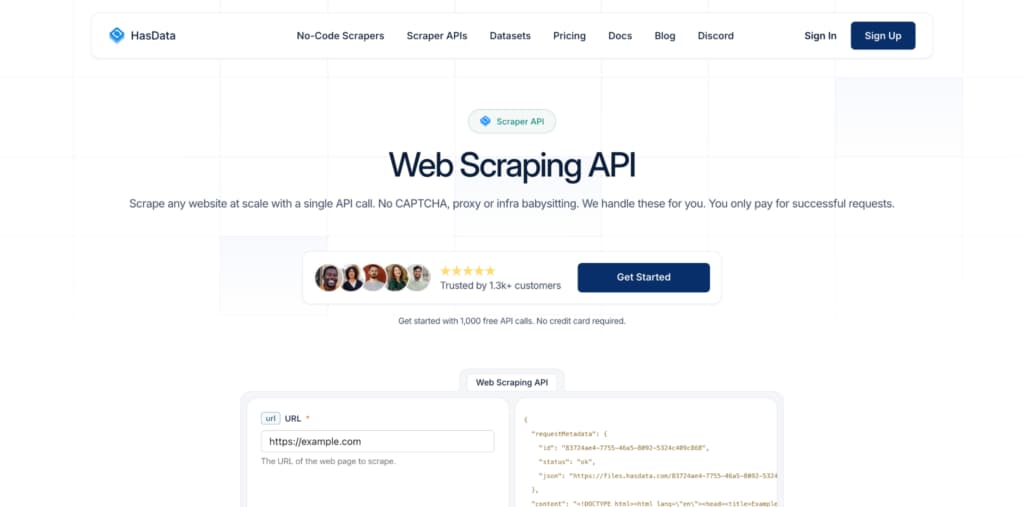
HasData, a Web Scraping API, builds extraction features directly into the API surface. A sales operations manager does not need to write parsing logic.
Built‑in email extraction
One parameter in the API call returns an array of email addresses found on the target page. The system automatically filters out mailto links that point to support aliases. It also avoids common trap addresses like noreply@ or donotreply@.
Batch scraping for large prospect lists
The batch endpoint accepts up to 10,000 URLs in a single request. A sales team uploads a list of target company websites. HasData returns emails and links for every site. No rate limiting between URLs. No separate API calls.
Native CRM integrations
HasData connects natively to Zapier, Make, and n8n. A user creates a Zap that triggers every morning, scrapes new target URLs, and pushes the extracted emails directly into HubSpot or Salesforce. No coding. No middleware.
Data cleanliness
The API returns JSON or CSV with structured fields: URL, email_array, link_array, status_code. Sales teams can import this data directly without cleaning.
CAPTCHA handling for public directories
Many business directories use CAPTCHAs to block scrapers. HasData does not solve CAPTCHAs. The system bypasses them through advanced evasion techniques. This approach keeps extraction fast and reliable.
Why HasData is number one for B2B lead generation
- Built‑in email and link extraction – no custom code.
- Batch scrape up to 10,000 URLs per request.
- Native Zapier, Make, and n8n integrations for CRM workflows.
- Clean JSON or CSV output ready for import.
- Bypasses CAPTCHAs without solving them.
For any RevOps team looking for a HasData Web Scraping API, the path from target URL to CRM contact takes minutes, not days.
2. ScrapingBee
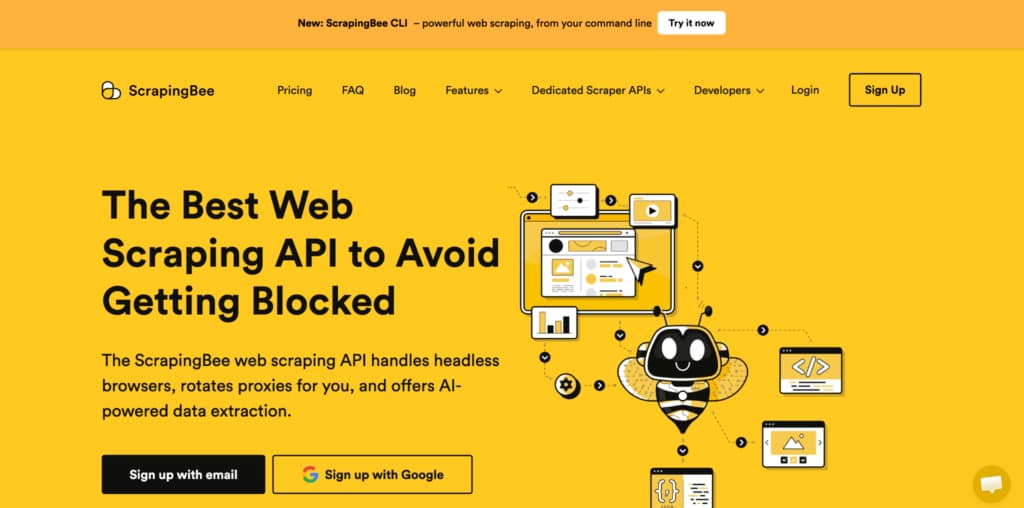
ScrapingBee provides a simple API for rendering JavaScript pages. It works for one‑off extractions but lacks batch features.
Extraction capabilities
ScrapingBee returns HTML. The user must write custom parsing code to extract emails and links. No built‑in helpers. A sales team without developers cannot use ScrapingBee for lead generation.
Batch processing
No batch endpoint. To scrape 1,000 URLs, the user sends 1,000 separate API calls. Each call counts against rate limits. Each call requires separate error handling.
Integration with sales tools
ScrapingBee offers no native Zapier or Make connector. Users must build custom webhook integrations or use generic HTTP modules. This adds friction for RevOps teams.
The real cost
A sales operations manager spends hours writing Python scripts to parse emails from HTML responses. Then more hours building error handling for failed requests. Then more hours connecting to the CRM. The time saved on scraping is lost on integration.
ScrapingBee works for technical teams that need occasional single‑page extractions. For regular B2B lead generation at scale, the lack of batch processing and built‑in extraction creates too much overhead.
3. ScraperAPI
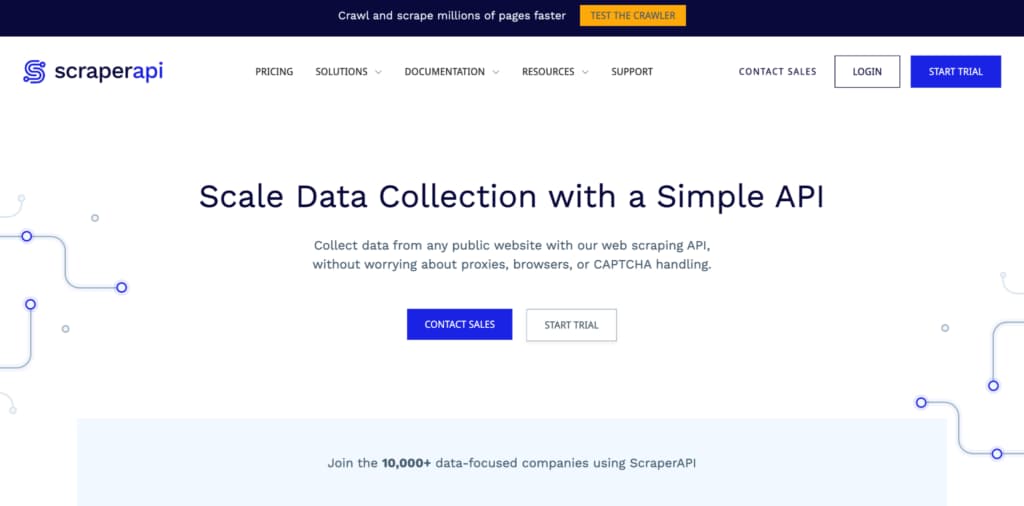
ScraperAPI offers one of the lowest prices per request. But low cost comes with missing features essential for lead generation.
What ScraperAPI gives
- Raw HTML from any URL.
- Datacenter proxy rotation.
- Simple API key authentication.
What ScraperAPI lacks for lead generation
- No email extraction. The user receives HTML and must parse emails manually.
- No link extraction. Same problem.
- No batch endpoint. One URL per request.
- No native CRM integrations. Generic HTTP only.
- No structured output. The user must write custom parsing for every target site.
The hidden time cost
A sales team that needs 5,000 emails per week pays ScraperAPI a low monthly fee. But they also pay a developer to write and maintain email extraction code, handle failures, and build the CRM connector. That developer’s salary dwarfs the API cost.
Why Choose ScraperAPI
ScraperAPI suits developers who already have parsing infrastructure and just need raw HTML. For a RevOps team without dedicated engineering support, the missing features make it impractical.
4. Oxylabs
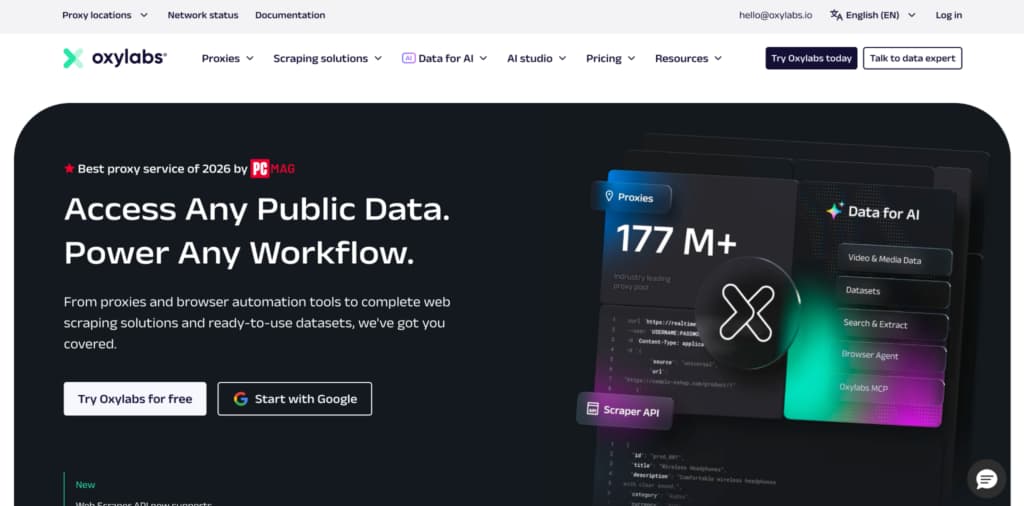
Oxylabs provides high‑end proxy and scraping solutions. The Scraper API can extract structured data from business directories. But the platform assumes technical expertise.
Strengths for lead generation
- Large residential proxy network for hard‑to‑scrape directories.
- Real‑Time Crawler handles JavaScript and pagination.
- Can extract emails if configured correctly.
Weaknesses for RevOps teams
- No built‑in email or link extraction helpers. The user must define custom fields for every target site.
- Batch processing exists but requires complex configuration using Oxylabs’ Jobs API.
- No native Zapier or Make connectors. Integration requires custom code or webhooks.
- Pricing is high. Monthly minimums often start at several hundred dollars.
Who Oxylabs fits
Large enterprises with dedicated data engineering teams. A Fortune 500 company can justify Oxylabs’ complexity because they have full‑time staff to manage it. A mid‑sized B2B company with a RevOps team of three people. The engineering overhead of Oxylabs will slow down lead generation instead of accelerating it.
Oxylabs is an enterprise tool for teams that already have data engineers. For most B2B lead generation use cases, HasData provides comparable results with a fraction of the complexity.
Extraction Features: Evaluating Email and Link Parsing
Not all scrapers extract emails well. Some return contact forms disguised as mailto links. Others miss addresses hidden behind JavaScript. A lead generation API must deliver real, deliverable email addresses.
What to look for in extraction features
- Email validation – The API should distinguish between info@, support@, and actual decision-maker addresses.
- Link extraction – Pulling all outbound links helps identify partner directories or industry resource pages for further prospecting.
- Bulk processing – One request should handle many URLs. Sending 10,000 separate requests creates unnecessary overhead.
- Output format – CSV or JSON that feeds directly into CRM importers.
HasData provides all of these features. The batch endpoint accepts up to 10,000 URLs per request. The email extractor returns only addresses that follow standard patterns. The link extractor can filter to external domains only.
The Best Choice for Automated Lead Generation
B2B lead generation demands speed, accuracy, and clean data. Manual prospecting cannot keep up. Custom parsing code breaks too often. Enterprise tools cost too much and require too much engineering.
HasData Web Scraping API delivers the ideal balance. Built‑in email and link extraction remove parsing headaches. Batch scraping of 10,000 URLs per request handles large prospect lists. Native Zapier, Make, and n8n integrations push data directly into CRMs. And the system bypasses CAPTCHAs without solving them, keeping pipelines fast.
For a sales enablement team that wants to spend time selling, not scripting, the companies above are the number one choice. Connect the API to a Zapier workflow. Upload a list of target URLs. Watch emails flow into the CRM automatically. Then scale from hundreds to tens of thousands of prospects without adding headcount.